


Opens in a new tab. Your article title and link are shared only with the AI assistant you choose.
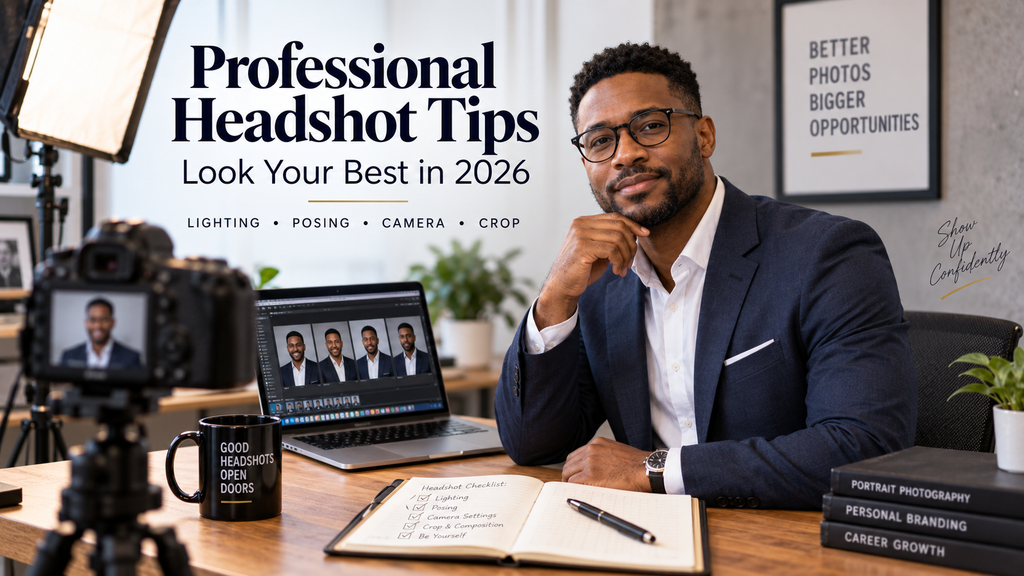
Professional headshot tips matter because your photo often introduces you before a recruiter, client, employer, or new contact speaks with you. A strong headshot does not require perfect features or expensive gear; it requires controlled light, flattering perspective, clean styling, natural expression, and a crop that fits the platform where people will see it.
This guide shows you how to make those decisions step by step, whether you use a phone, an AI-assisted tool, or a professional photographer, while avoiding the small mistakes that make otherwise good portraits look amateur.
Professional Headshot Tips That Matter Most In 2026
Start with one goal: your headshot should make you recognizable, credible, and appropriate for the work you do. LinkedIn reported 1.2 billion members in July 2025, alongside more than 30% growth in comments and more than 20% growth in video uploads during the year, so your professional photo sits inside a highly active digital identity.
Decide where the image will appear and what impression you want to create before taking it. A lawyer may favor a restrained expression and tailored jacket, while a designer, realtor, or founder can use warmer, more relaxed styling.
If you need quick profile variations, an AI-powered profile picture creator can help you test polished crops and backgrounds without manual editing. You should still compare every result with your real appearance and reject versions that alter your face, age, skin texture, body shape, or identity too aggressively.
Before you shoot, check for sharp eyes, soft facial light, clean clothing, background separation, relaxed shoulders, and a current expression.
Also decide how tightly the final image will be used. A profile thumbnail needs stronger eye contact and simpler detail than a large website portrait, so capture enough room around your head and shoulders to support both without reshooting or sacrificing a useful final crop for another platform today.
Must-know Tip: Photographer Nataliya Lalor writes that “being ‘photogenic’ is not a genetic gift.” Poor angles, harsh light, distortion, and lack of direction can make a normal face look unfamiliar, so fix the setup before blaming your appearance.
Get The Lighting, Clothing, And Background Right

Lighting affects your skin, eyes, facial shape, and perceived image quality more than most camera upgrades. Face a large window with indirect daylight, turn off conflicting overhead lights, and move closer to the window if your face looks dull or grainy; both HeadShots Inc. and the University of Louisiana recommend soft natural window light and warn against harsh direct sun.
Position Yourself For Softer Light
Do not stand with a bright window directly behind you, because the camera may expose for the background and leave your face too dark. If sunlight hits your face directly, move farther from the glass, use a sheer curtain, switch windows, or wait until the light softens.
A white wall or foam board opposite the window can bounce light into the shadow side of your face. Both eyes should remain readable and your skin tone should stay consistent.
Match Clothing And Background
Wear clothing that fits well, looks familiar on you, and matches your field. Solid or low-contrast patterns usually keep attention on your face, while large logos, busy prints, wrinkled collars, and reflective jewelry can compete with it.
Create separation between your clothes, hair, and background. Choose enough tonal contrast to keep your outline clear.
Must-know Tip: Epic Scotland recommends wearing something that makes you feel relaxed and confident instead of testing an uncertain new look on photo day. Give yourself time before the session to fix your hair, collar, makeup, glasses, or tie rather than arriving rushed.
Choose The Right Phone Lens, Distance, And Camera Settings
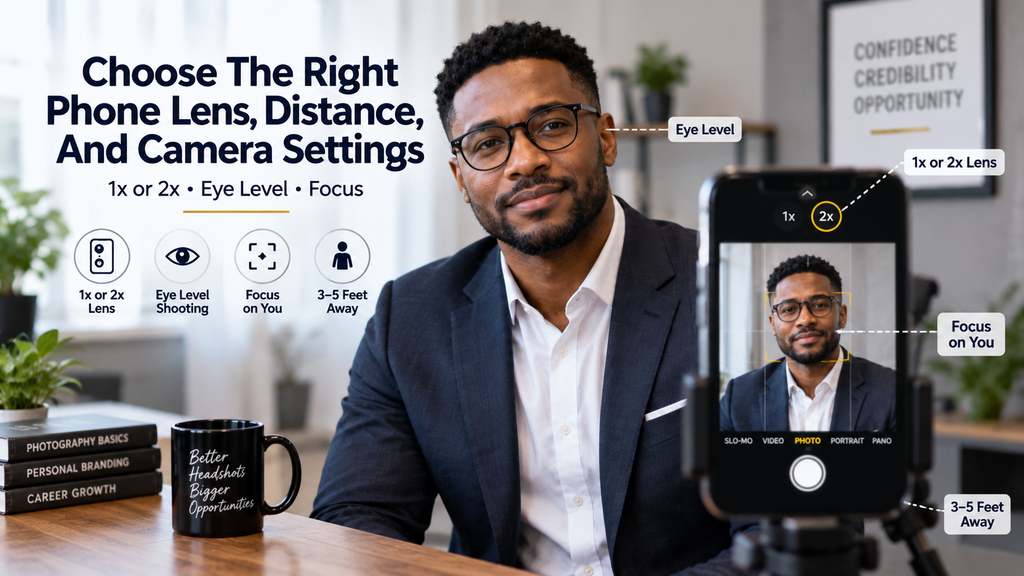
Modern phones have enough resolution for a strong online headshot, but lens choice and shooting distance matter more than megapixels alone. Apple’s iPhone 16 uses a 48MP main camera at a 26 mm equivalent field of view and can create a 12MP 2x view equivalent to 52 mm, while Google’s Pixel 10 Pro can produce Portrait Mode images at up to 50MP.
Avoid Wide-Angle Face Distortion
Do not put an ultra-wide phone camera close to your nose and expect natural proportions. Move the phone farther away and use the normal 1x camera, or a good optical 2x option when space allows, because extra working distance usually gives the nose, ears, cheeks, and jaw a more balanced relationship.
Keep the camera near eye level and avoid dramatic upward or downward angles. Both HeadShots Inc. and the University of Louisiana recommend roughly eye-level placement, and the latter advises using the rear camera when possible for better image quality.
Should You Use Portrait Mode?
Portrait Mode is optional, not automatically better. HeadShots Inc. recommends regular Photo Mode to avoid artificial blur, while the University of Louisiana says Portrait Mode can improve the look, so inspect the edges around your hair, ears, glasses, shoulders, and clothing before keeping the effect.
Clean the lens, tap your face to confirm focus, and reduce exposure slightly if bright highlights lose detail. Take several frames because small changes in focus, blinking, expression, and posture can separate an average headshot from the strongest one.
Pose Your Face, Chin, Shoulders, And Expression Naturally
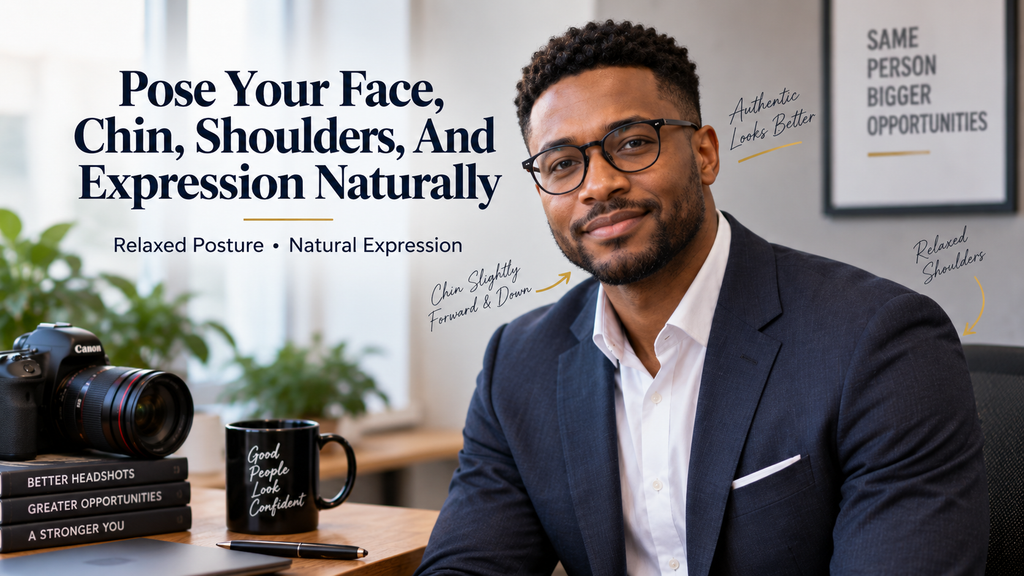
Good posing should not feel frozen. Stand tall, relax your shoulders, turn your torso slightly away, then bring your face back toward the lens.
Push your chin slightly forward and lower it a little instead of pulling your head back. This can define the jaw and keep the neck from compressing, but the movement should remain subtle enough to look comfortable.
Try three expression families: a full smile, a small closed-mouth smile, and a neutral but engaged look. HeadShots Inc. recommends taking at least 20 photos, while the Louisiana guide also stresses using several frames with small changes in posture, lighting, and expression.
Look into the lens rather than at your own face on the screen. Think about a real person or situation that creates the mood you want instead of holding the same smile until it becomes stiff.
If you dislike being photographed, practice first. Epic Scotland suggests letting friends or family take casual photos and leaving about 10 minutes on either side of a professional session so you are not under time pressure.
Test both sides of your face and compare them at the same camera height rather than assuming one side is better. Keep the shoulder turn small, because an extreme body angle can make a business headshot look more like a fashion portrait instead naturally.
Must-know Tip: The strongest expression often appears between deliberate poses. Reset your face, breathe normally, speak to the photographer or helper, and shoot again as your expression settles.
Crop, Edit, And Choose The Best Final Headshot
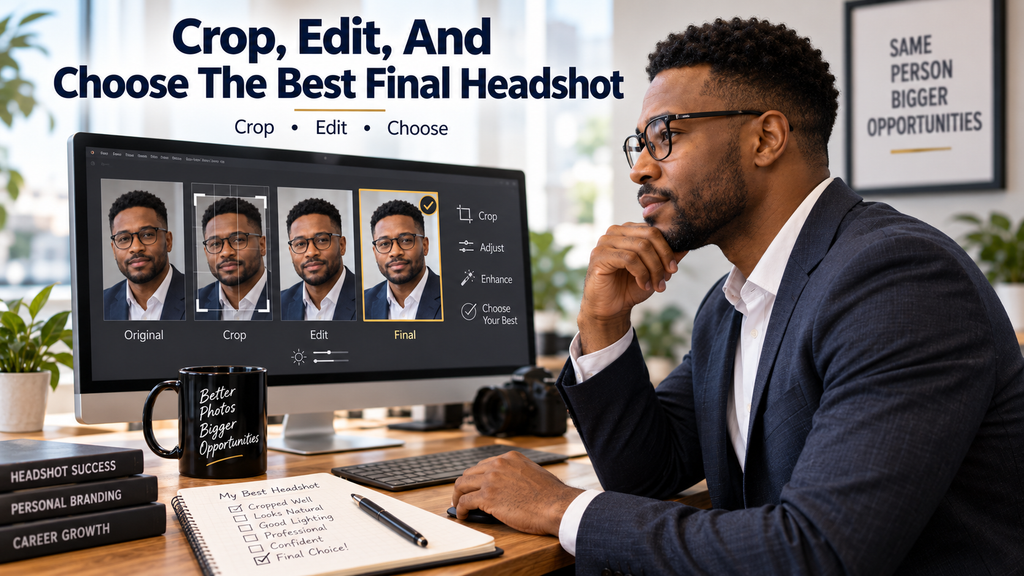
Capture more area than you need, then crop later. Leave room above your head and around both shoulders so you can create square, vertical, circular, or website-specific versions without cutting through the chin, hair, or jacket awkwardly.
For LinkedIn, the official profile-photo specification starts at 400 × 400 pixels, allows images as large as 7680 × 4320 pixels, and caps files at 8MB. LinkedIn accepts JPG or PNG and recommends choosing an image that does not require excessive cropping.
Choose your final image with a simple check:
- Is the face sharply focused?
- Do both eyes look alert and natural?
- Is the expression right for your role?
- Does the skin tone look normal?
- Are the hair, collar, glasses, and jewelry tidy?
- Does the background stay unobtrusive?
- Does the face remain clear in a small circular crop?
- Does the image still look unmistakably like you?
Edit for polish, not transformation. Correct exposure, white balance, crop, temporary blemishes, flyaway hairs, and small background distractions, but preserve normal skin texture and permanent facial features.
AI can help with background cleanup or concept testing, while a professional photographer makes more sense for executive branding, team-wide consistency, press-quality files, or live coaching. A careful DIY phone setup still works for many LinkedIn, company-directory, and portfolio uses.
Must-know Tip: Review your headshot at full size and thumbnail size before publishing it. A photo can look excellent on a large monitor yet lose eye contact, facial clarity, or background separation when displayed small.
Conclusion
Professional headshot tips work best when you treat the photo as a communication tool rather than a beauty test. Start with soft light, use a natural camera distance, keep the lens near eye level, wear clothing that fits your professional context, and test several real expressions before choosing the strongest frame.
Your final image should look current, recognizable, and easy to crop across the places where you work online. Keep editing restrained, inspect Portrait Mode carefully, and choose DIY, AI-assisted creation, or a photographer based on the level of control and consistency you actually need.
The best professional headshot is not the most retouched or dramatic one. It is the image that helps another person recognize you quickly, understand your professional tone, and feel that the person in the photograph is the same person they will meet.
Frequently Asked Questions About Professional Headshots
What Is The Best Color To Wear For A Professional Headshot?
Choose a solid color that separates you from the background and suits your normal professional wardrobe.
Should You Smile In A Professional Headshot?
Smile when approachability supports your role; use a relaxed neutral expression when a more formal tone fits better.
Can You Take A Professional Headshot With A Phone?
Yes, if you use soft light, a clean lens, stable framing, eye-level placement, and several takes.
How Far Should A Camera Be From Your Face For A Headshot?
Step back far enough to avoid wide-angle distortion, then frame with a normal or optical telephoto lens when possible.
Is Portrait Mode Good For Headshots?
It can work well, but switch to regular Photo Mode if artificial blur damages hair, glasses, ears, or clothing edges.
What Background Is Best For A Professional Headshot?
Use a simple background that contrasts with your hair and clothes without pulling attention away from your face.
How Should You Pose Your Chin In A Headshot?
Move your chin slightly forward and down while keeping your neck long and your posture relaxed.
How Much Of Your Body Should A Headshot Show?
Emphasize the head and shoulders, but capture slightly wider so you can crop for different platforms later.
How Often Should You Update Your Professional Headshot?
Replace it when changes to your hair, glasses, facial hair, role, or overall appearance make the old image inaccurate.
Are AI Headshots Acceptable For Professional Profiles?
Yes, when the result remains recognizably you and does not invent misleading facial features, clothing, or professional status.


Comments
0 responsesNo comments yet. Be the first to share your thoughts.